![azami_logo (1).svg]](https://help.azamiglobal.com/hubfs/azami_logo%20(1).svg)
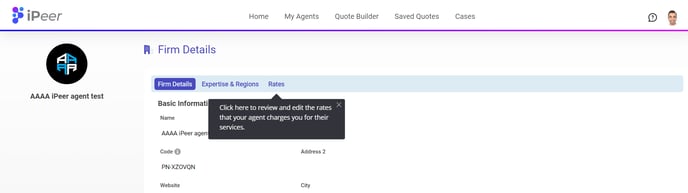
To update your agent’s rates, click on the desired agent firm’s name in your agent list.
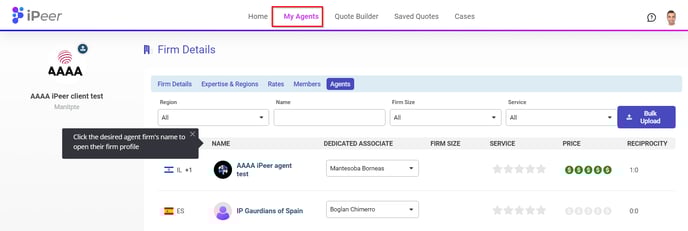
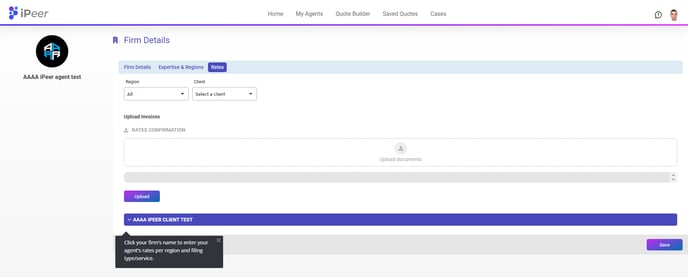
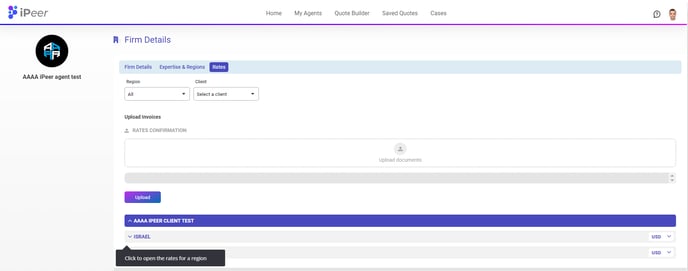
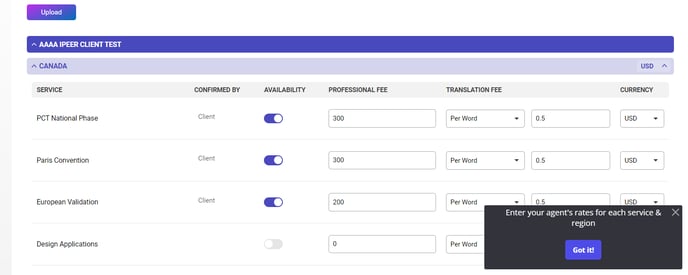
Once the agent’s profile is loaded, click on the rates tab. Click your firm’s name to see all regions into which the agent can file. Edit rates as needed and click Save when finished.