![azami_logo (1).svg]](https://help.azamiglobal.com/hubfs/azami_logo%20(1).svg)
Both iPeer clients and their agents have the ability to mark an instructed case as complete.
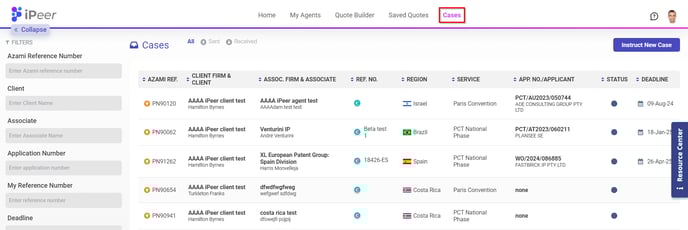
Navigate to the Cases link in the header navigation. Find your desired case and click it to view the regional details and statuses.
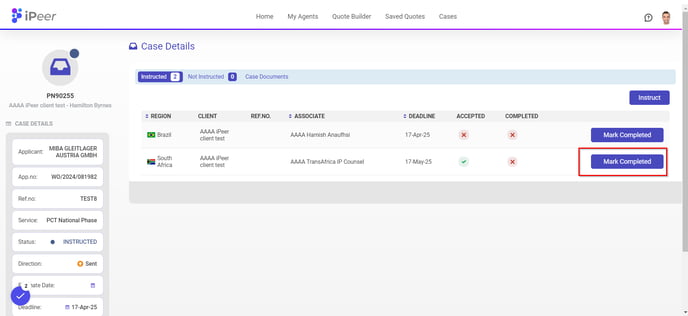
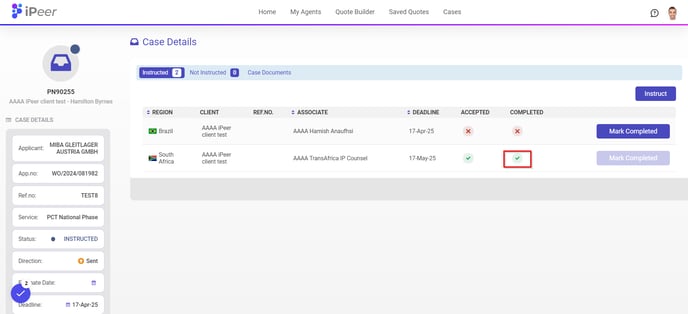
Click Mark Completed to update a case-region's status as complete.