![azami_logo (1).svg]](https://help.azamiglobal.com/hubfs/azami_logo%20(1).svg)
Start by clicking to generate a quote.

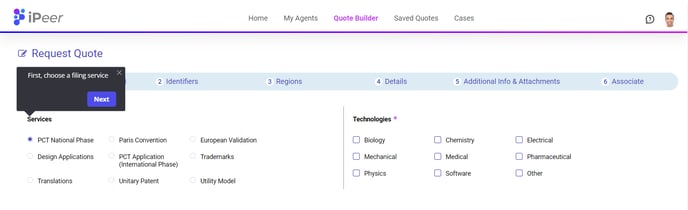
Next choose the filing service that your clients are requiring. In some cases, you will be required to specify the relevant technologies for the patent.
Enter the application number or publication number on the next screen, along with the contact person from your firm and an optional reference number identifier.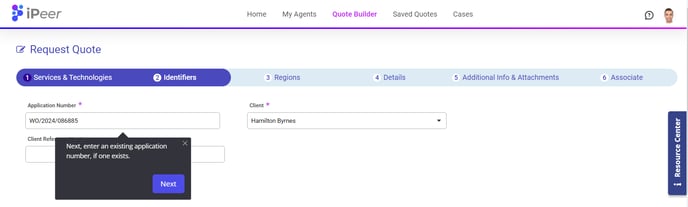
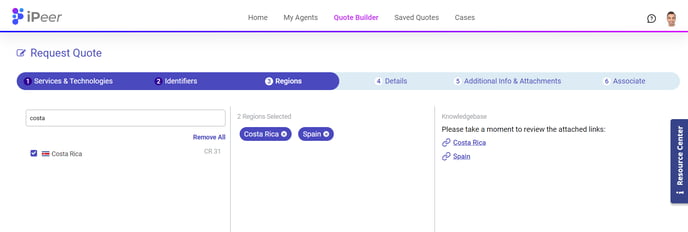
Choose regions into which you'll be filing. You can also take advantage of` our filing knowledgebase here, which will be visible for relevant regions that you have selected. If you are only requiring translation services, you will select the source and target language here.
Next, iPeer will pull application data (if available) from the WIPO database based on your application/publication number. You now have the chance to review and update these details before you continue.
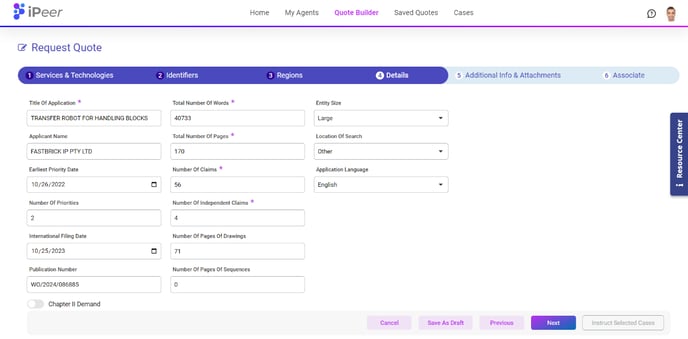
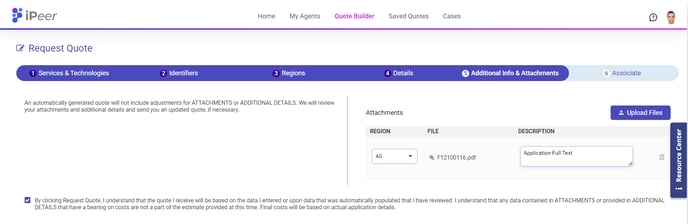
Upload any supporting files and click to continue
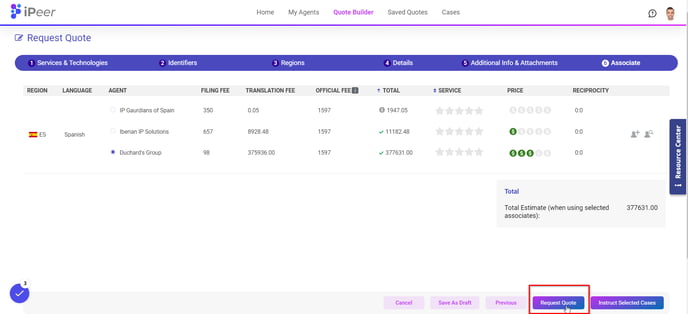
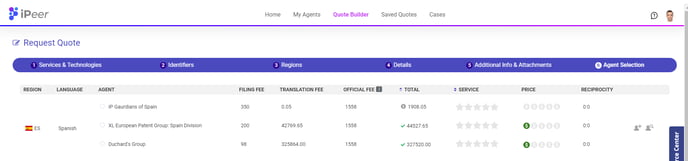
iPeer will load up to three of your agents per region for comparison. Use the agent metrics and estimated costs to make the best agent-selection decision
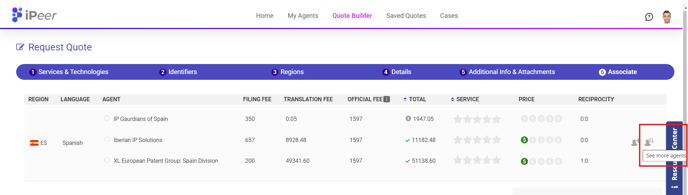
If you have more than three agents for a quoted region, you can select other agents for the on-screen comparison by clicking the "See More Agents" icon.
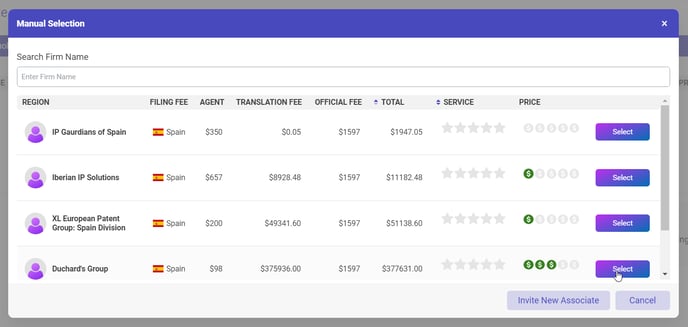
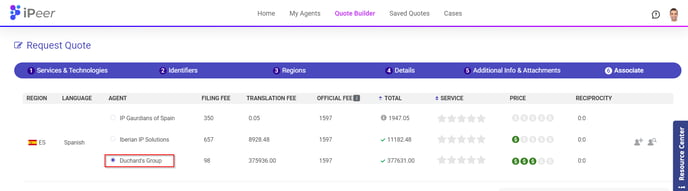
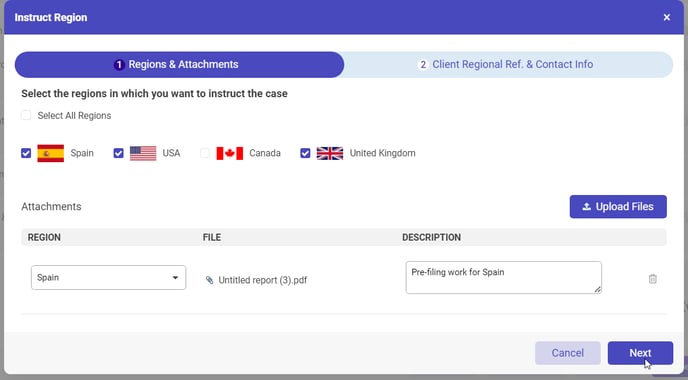
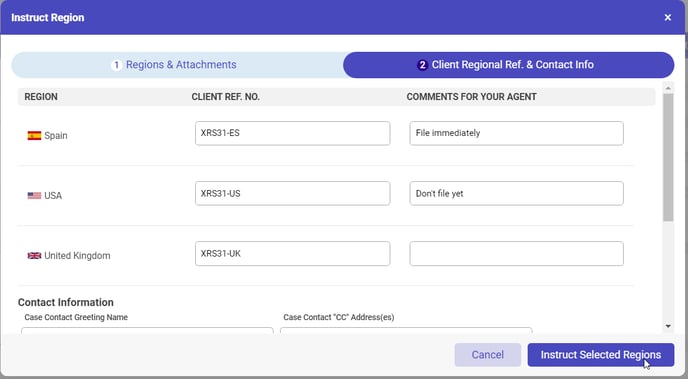
When you have chosen an agent for each desired region, you can instruct each agent to start working on this case. You'll have the opportunity to review and add notes before the agents are contacted.
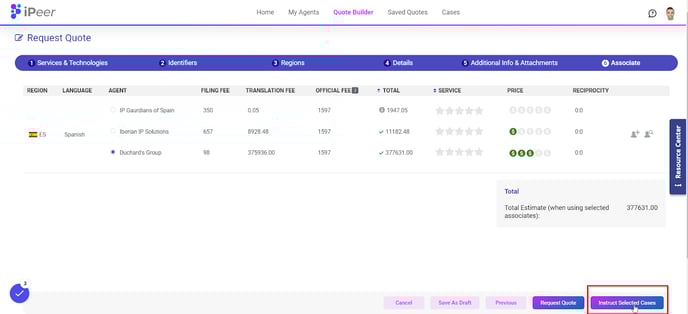
Or if you are not ready to instruct, you can simply save the quote and agent selections and instruct later.